The recordings of live sessions are created and stored through the Videoconference Room tool. This tool is located within each course’s virtual classroom. To access the recordings, follow the steps outlined below:
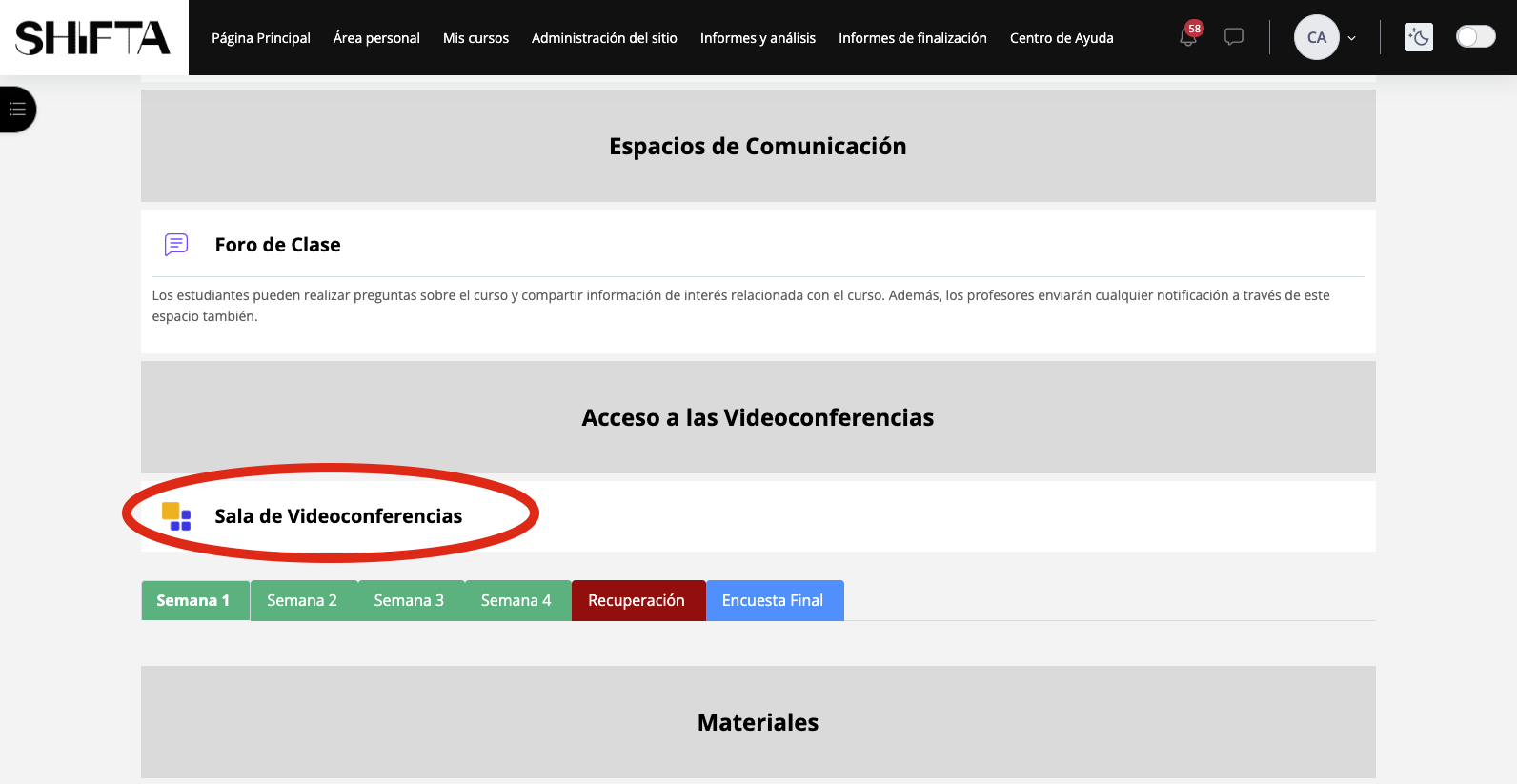
- Access the Videoconference Room through the course’s virtual classroom.
- Go to the “Recordings” tab.
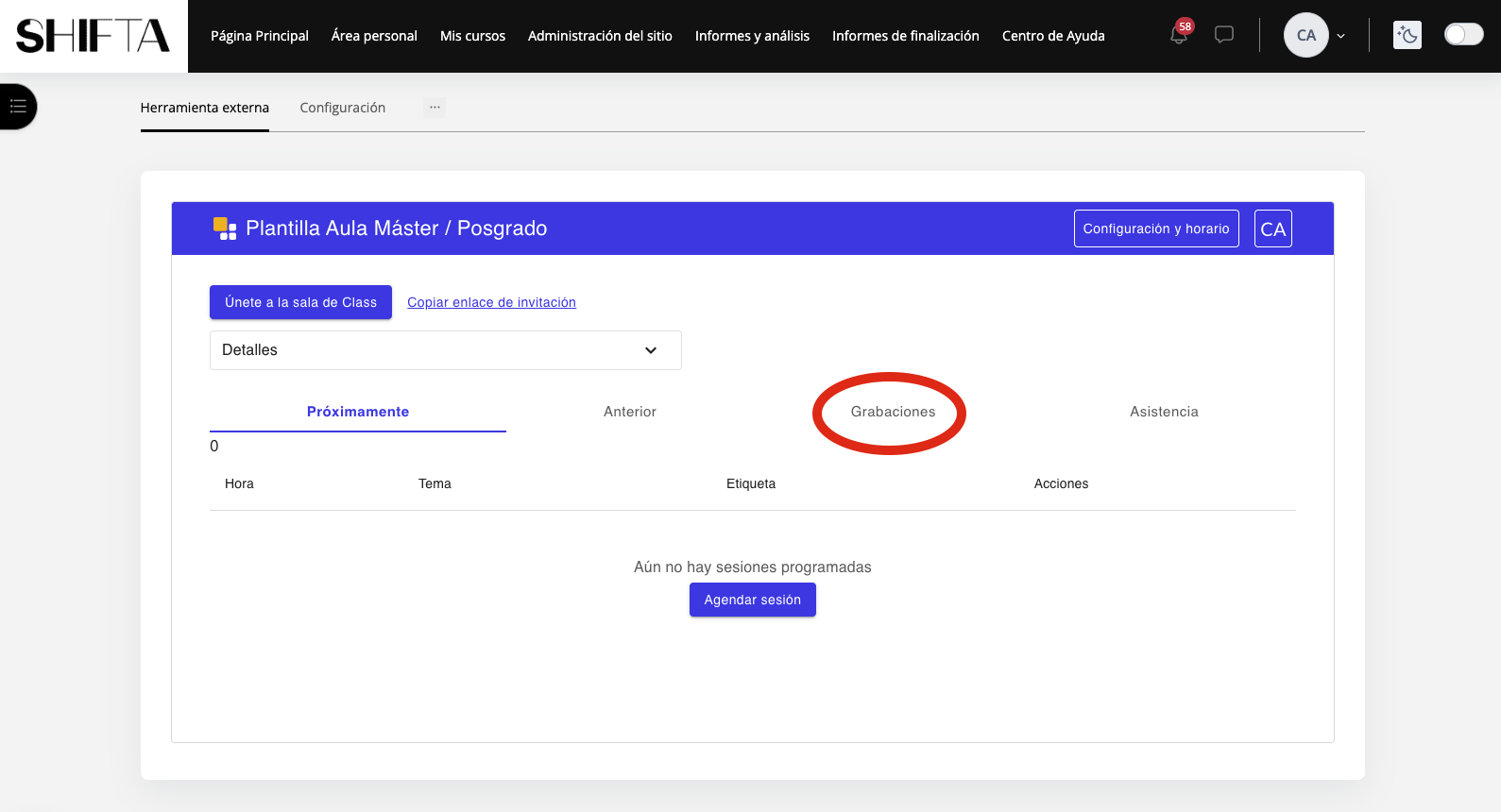
- Select the desired recording and click “Start Playback”.
Please note that recordings of live sessions cannot be downloaded. This restriction is due to legal reasons, specifically in compliance with the Data Protection Law, as well as to ensure the privacy and confidentiality of all participants, including students and instructors.
Recordings can only be viewed on the platform to protect privacy and comply with legal regulations.
Was this article helpful?
That’s Great!
Thank you for your feedback
Sorry! We couldn't be helpful
Thank you for your feedback
Feedback sent
We appreciate your effort and will try to fix the article